Product description


Smart Glasses Quick Start Guide

How long can these camera glasses record video in one take?
For video recording glasses, you can set the duration from 15 seconds up to 12 minutes per clip within the companion app. The default is set to 3 minutes to optimize battery life and thermal performance.
How do I activate the voice assistant on these glasses?
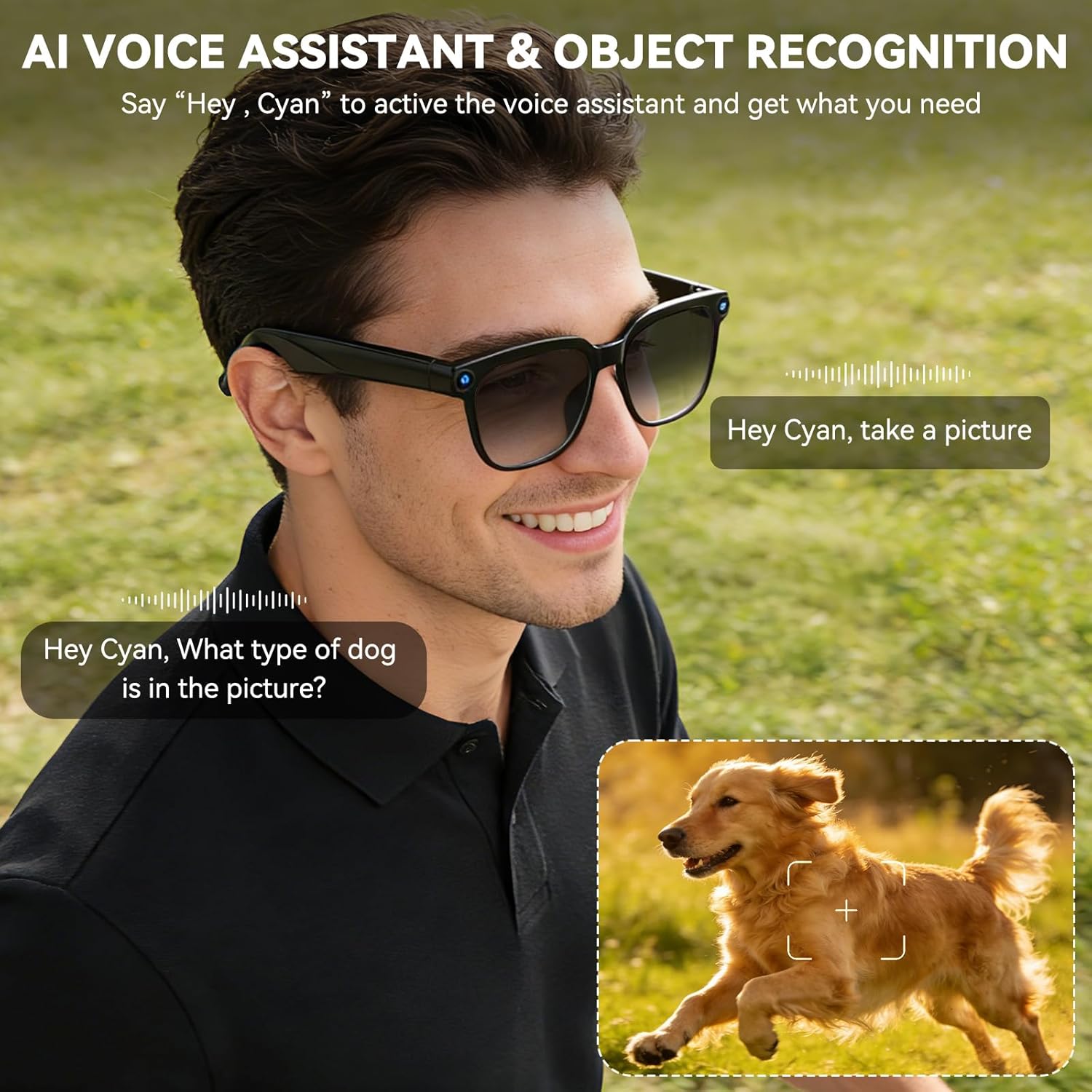
There are two convenient ways to activate the voice assistant on your smart glasses with camera and bluetooth:
Voice Wake-Up: Simply say the wake phrase, "HeyCyan".
Manual Control: Press the function button located on the right temple.
How do I save photos or videos from the glasses to my phone?
After connecting your glasses with camera to the app via Bluetooth, go to the ‘Gallery’ section. You can then preview your video camera glasses clips and photos, and select any item to either save it directly to your phone’s album or delete it.
Will these glasses get hot during use, especially when recording video?
It’s normal for camera glasses to feel warm during extended recording. They are designed to manage heat effectively, ensuring stable performance and comfort.
From the brand

At Osawalla, we weave tech into daily life—enhance, never interrupt. Our AI smart glasses are your sleek, discreet companion: packed with hands-free recording and intelligent voice assistance.
More than a gadget, they’re your gateway to smarter living—capture moments, navigate with ease, and streamline tasks, all in effortless style.


Understated Elegance & Subtle Sophistication